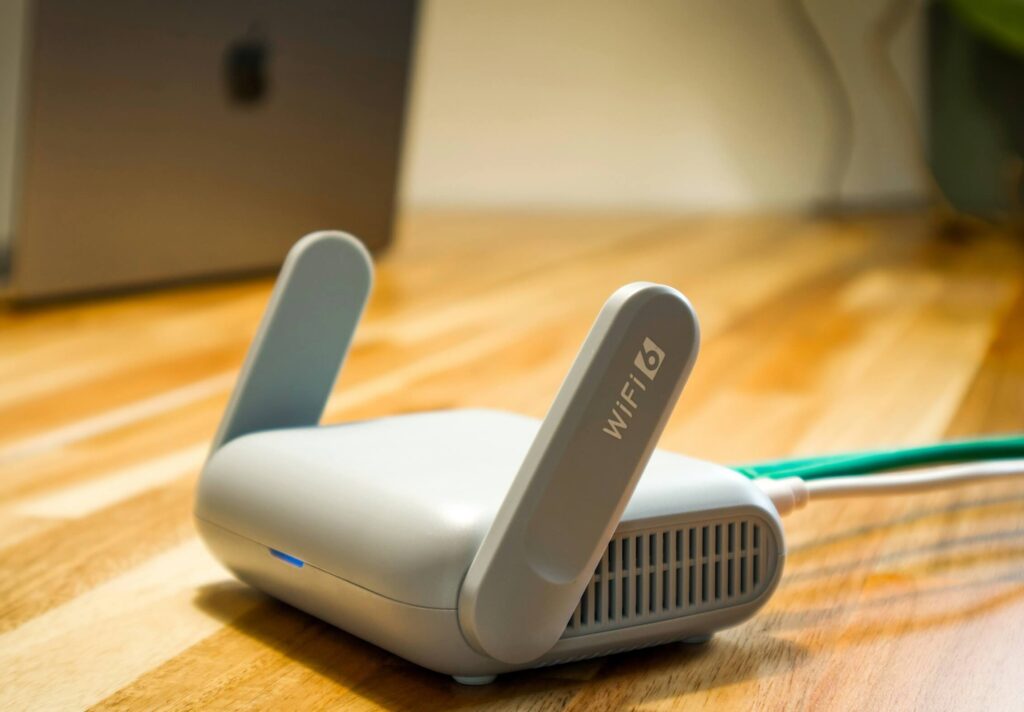
Before you spend on hardware for a service that isn’t live yet, here’s what actually matters — and what doesn’t.
netdaemons.com · Home & SMB Series · Article #39 · 23 October 2026

Your Wi-Fi doesn’t reach the back bedroom. Your ISP’s router runs hot by 2 PM and resets itself. You’ve heard Starlink is coming to India and you’re wondering whether to buy a new router now or wait.
This is the best routers for Starlink India 2026 guide for that reader — someone weighing a router upgrade against satellite internet’s arrival, not someone who already has a dish on the roof. Starlink is not commercially available in India as of this writing (October 2026). It has cleared telecom and space-regulator approvals, and the government finalised satellite spectrum pricing in September 2026, but security clearance and final spectrum allocation remain pending, with no launch date announced. Here’s what that means for your buying decision, and which router earns its price whether Starlink lands next month or next year.
| Disclaimer: General: This article was researched and verified by the NetDaemons team at time of writing (October 2026). Starlink satellite internet service is not yet commercially available in India; all Starlink-specific guidance here is based on how Starlink’s bypass mode works in markets where it already operates, not on confirmed India-specific behaviour. Verify current Starlink India availability and hardware specifics directly with Starlink before purchasing any router on this basis. Router interfaces change with firmware updates — menu names may differ from what is described here. Pricing: Product prices are indicative Amazon India street prices, not guaranteed selling prices, and vary by configuration and ongoing promotions. Availability: Both product stock and Starlink service availability in India are subject to change without notice. Verdicts: Recommendations reflect the independent technical opinion of the NetDaemons team. This article contains affiliate links — if you purchase through these links, NetDaemons may earn a commission at no extra cost to you. |
Best Routers for Starlink India 2026: Quick Comparison
| Router | Price | Wi-Fi Standard | Best For | Verdict |
| TP-Link Archer AX53 | ₹5,999 | Wi-Fi 6 (AX3000) | Small flats, single-router homes | Capable budget pick, no mesh or advanced routing |
| TP-Link Archer AX73 | ₹10,999 | Wi-Fi 6 (AX5400) | Most readers — 2–3BHK apartments | Best all-round price-to-performance in this list |
| MikroTik hAP ax² | ₹15,999 | Wi-Fi 6 dual-band | Engineers who want full routing control | Steep learning curve, serious configurability |
| TP-Link Deco X50 (2-pack) | ₹13,999 | Wi-Fi 6 (AX3000) mesh | Villas, duplexes, large floor plans | Solves coverage, not raw speed |
| ASUS RT-AX3000S | ₹20,580 | Wi-Fi 6 (AX3000) | Readers who’ll expand to AiMesh later | Priced for headroom, not current specs |
Stop — Answer These Questions Before You Buy
Do you know what connection you’ll actually be pairing this with? A router bought today for “Starlink” will spend months, possibly longer, on whatever ISP you have now — buy for that connection first.
Is your problem speed, or coverage? A signal that drops in one room is coverage, which mesh fixes; a connection that feels slow everywhere is usually an ISP plan or wiring issue no router fixes.
How many walls, and what are they made of? Indian construction is overwhelmingly concrete and brick, which attenuates 5 GHz far more than the drywall in most routers’ marketing photos.
Does your ISP even let you use your own router? Some hand off a clean Ethernet port you can plug straight into; others need their own device bridged first. Confirm this before you buy, not after — more on this in the India-specific section below.
What Your Budget Actually Buys
Under ₹6,000 buys competent Wi-Fi 6 for a single flat — decent short-range 5 GHz throughput, nothing resembling enterprise-grade firmware. Between ₹10,000–16,000 you get real headroom: CPUs that don’t choke under 30+ devices, and in MikroTik’s case, a genuinely different tier of routing control for people comfortable with a command line. Above ₹20,000 you’re mostly paying for mesh expansion headroom or brand ecosystem polish — no router at any price installs a satellite dish or fixes a congested ISP backhaul.
TP-Link Archer AX53 — ₹5,999
Genuine Wi-Fi 6 at a price undercutting most “Wi-Fi 5” routers still sold in India — OFDMA handles 15–20 devices without degrading, and Tether app setup is quick for a first-timer. Single-unit coverage in a 2–3BHK flat with concrete walls struggles beyond two rooms, though, with no mesh expansion path if you outgrow it.
Skip it if your home is larger than roughly 800–900 sq ft, or your router sits in a corner rather than centrally.
WFH, gaming, streaming. Fine for one or two people on calls nearby, and for casual wired gaming — but not from a balcony or second bedroom three walls away. One 4K stream is comfortable; a second stream plus a call will buffer.
TP-Link Archer AX73 — ₹10,999
AX5400-class throughput with a genuinely capable triple-core CPU — this matters more than spec sheets suggest, since a weak CPU bogs down under many devices regardless of raw Wi-Fi speed. It’s still single-point, though, so a large or oddly-shaped home keeps its dead zones, and the app pushes HomeShield subscription upsells harder than it should.
Skip it if you need mesh for a villa or duplex (see the Deco X50), or want granular routing control (see the MikroTik).
WFH, gaming, streaming. The default pick for a hybrid-work household — handles multiple calls, a work laptop, and normal device load without the bottlenecking cheaper routers show. OFDMA keeps gaming latency stable under load, and it comfortably carries two to three simultaneous HD/4K streams through one or two concrete walls.
MikroTik hAP ax² — ₹15,999
The only router here that genuinely exposes enterprise-style routing — RouterOS gives real firewall control, VLAN support, and PoE in and out, with nothing else here coming close for understanding your network. The learning curve is real, though: expect a weekend with documentation open, not twenty minutes with an app, and it’s a single access point with no mesh story.
Skip it if you want to plug in a router once and never open its admin page again.
WFH, gaming, streaming. Excellent once configured — QoS rules can prioritize call traffic over a housemate’s downloads with more precision than anything else here. Out of the box, gaming and streaming are comparable to the Archer AX73; the advantage only shows once you tune it.
TP-Link Deco X50 (2-pack) — ₹13,999
The only product here built for the problem Indian villas and larger apartments actually have — one router can’t cover 2,000+ sq ft through concrete, and two placed nodes close that gap, with simpler app setup than either Archer router’s own app. Per-node throughput is lower than a dedicated AX5400 unit, which is the trade-off, not a flaw; wireless backhaul eats bandwidth, so run Ethernet between nodes if you can.
Skip it if you’re in a single flat under 1,000 sq ft, or chasing maximum single-point speed for gaming.
WFH, gaming, streaming. Strong when the home office sits far from where a single router would go — it solves the “calls drop near the bedroom” problem nothing else here fixes. Wire gaming devices to the nearest node rather than the wireless hop. For streaming, this is where mesh earns its price: consistent quality through concrete a single router never reaches well.
ASUS RT-AX3000S — ₹20,580
AiMesh compatibility lets this router anchor a larger mesh later without replacing it, with VPN and parental controls more polished than TP-Link’s. At this price you’re paying meaningfully more than the Archer AX73 for comparable performance today — the extra buys future flexibility, not current speed.
Skip it if you’ll stay single-router (the AX73 does the same job cheaper), or already know you want mesh now (go to the Deco X50).
WFH, gaming, streaming. Functionally similar to the AX73 across all three — the value is entirely AiMesh headroom, not today’s performance.
India-Specific Considerations
Heat, power, and apartment congestion
Indian summers push room temperatures to 35–42°C, and every router here will throttle or reboot if starved of airflow — place it on an open shelf, never inside a closed TV unit. Load-shedding and voltage swings remain common in many areas, and a power cut mid-firmware-write can degrade flash memory, so a basic UPS or surge protector (₹1,000–2,000) is worth adding, not optional. Dense apartment buildings often show 50–100 overlapping networks on the same 2.4 GHz channels — set your channel manually rather than trusting auto-select, which often fills up within hours.
ISP compatibility: what to check first
Your ISP’s hand-off determines your setup, not your router choice. Some run fibre to a media converter and give a clean Ethernet port any router plugs into — no bridge mode needed. Others, including Jio Fiber and Airtel Xstream in many installations, provide a combined router/ONT needing bridging first. Ask your ISP’s support line which applies before you buy.
What changes once Starlink is actually live
Starlink’s dish ships with its own router, and in every market where Starlink currently operates, that router can be switched into “bypass mode” to hand routing control to a third-party router like the ones above — generally by connecting the new router to an Ethernet port on the Starlink unit. We don’t yet know which hardware generation Starlink will ship in India or whether the process will match exactly, so treat this as the likely pattern, not a confirmed India procedure. One nuance worth knowing now: satellite internet carries inherently higher latency than fibre due to the distance to orbit, and no router changes that — worth weighing if low-latency gaming matters to you.
Villa, duplex, and large-home coverage
For homes larger than roughly 2,000 sq ft or spanning more than one floor, a single router — however powerful — will leave dead zones somewhere, usually on a far side of the building or through a stairwell’s concrete. The Deco X50 pair handles most two-to-three bedroom villas adequately; a larger duplex may need a third node, sold separately, joining the same mesh.
When to Spend More
Three scenarios justify going past the budget tier: a home office where dropped calls have a real cost, a villa or duplex over roughly 1,800–2,000 sq ft where mesh is the only fix, and a genuine interest in configuring your own network. Outside these, the Archer AX73 covers nearly every standard apartment well enough that spending more buys brand polish, not better Wi-Fi.
Team NetDaemons Verdict
The following reflects the independent assessment of the NetDaemons team.
| NetDaemons take: For most readers in a standard apartment, the TP-Link Archer AX73 (₹10,999) is the one to buy — CPU headroom and radio performance to handle a real household’s device count, without the mesh premium or the MikroTik learning curve. |
| NetDaemons take: If your home is larger than a standard apartment — a villa, duplex, or anything over roughly 1,800 sq ft — skip straight to the TP-Link Deco X50 2-pack (₹13,999). No single router on this list solves a distance-and-concrete coverage problem the way mesh does. |
| NetDaemons take: For a capable budget router and nothing more, the TP-Link Archer AX53 (₹5,999) does the job honestly. For engineer-level control, the MikroTik hAP ax² (₹15,999) is worth the weekend it takes to learn. The ASUS RT-AX3000S (₹20,580) earns its price only with a confirmed future AiMesh plan — otherwise the Archer AX73 does the same job for less. |
Before you buy anything here: confirm with your current ISP whether you need bridge mode or get a direct Ethernet hand-off — that determines your setup steps, not your router choice. If you’re buying specifically for Starlink, remember the service isn’t live in India yet, so a router bought today will spend its early life on your current connection first.
Have a specific home layout, ISP, or Starlink question? Drop it in the comments — we read and respond to every one.
Related Articles
| Article | Why it is relevant | Status |
| How to Set Up a VLAN at Home: Engineer’s Step-by-Step | For readers who want to isolate IoT devices on any of these routers | LIVE |
| What is SD-WAN? A Complete Guide for Global IT Managers and CIOs | For readers curious about the underlying networking concepts | LIVE |
| Best Wi-Fi Extenders and Powerline Adapters in India Under ₹3,000 | For readers with a coverage gap too small to justify a full mesh system | LIVE |
netdaemons.com · Home & SMB Series · October 2026 · See full disclaimer above. Starlink availability and hardware details in India are unconfirmed as of publish date — verify directly with Starlink before purchasing on this basis. This article contains affiliate links.