An Engineer’s Honest Assessment — Combined 35 Years of Field Experience
netdaemons.com · Home & SMB Series · Updated May 2026

It is 10:30 AM. One of you is midway through a client presentation on Zoom, the other is on a Teams call. The call freezes. The instinct is immediate: it must be the ISP. The technician runs a speed test, tells you you are getting 92 Mbps on your 100 Mbps plan, and closes the ticket.
They are not wrong. The speed is fine. In most WFH households with call quality problems, the actual causes have nothing to do with which ISP you signed up with — and switching will not fix them. For anyone comparing Jio Fiber vs Airtel Xstream Fiber for working from home, this guide helps you fix the real problems first, then choose between Jio and Airtel using verified data and building-level checks.
At a Glance: Jio Fiber vs Airtel Xstream Fiber
| Parameter | Jio Fiber | Airtel Xstream Fiber |
| Entry WFH-viable plan (ex. GST) | ₹699/month — 100 Mbps advertised; verify upload/symmetry on current plan page | ₹799/month — up to 100 Mbps; verify upload spec |
| Entry plan (basic / non-WFH) | ₹399/month — 30 Mbps symmetric | ₹699/month in select geographies — up to 40 Mbps; city-level plan structure varies |
| Router provided | Jio Gateway (Wi-Fi 5, dual-band — standard device. Wi-Fi 6 available separately at ₹5,999) | Airtel-provided Wi-Fi router; Xstream Box / TV bundle varies by plan |
| OTT bundled | JioCinema, JioTV on all plans; 17+ apps from ₹999 | OTT/TV bundles vary by plan; 22+ OTTs typically on entertainment bundles |
| Geographic reach | Wider — stronger in Tier 2 and newer areas | Stronger in established Tier 1 metros |
| Wireline download speed (Opensignal, 2025) | 31.1 Mbps average | 42.4 Mbps average |
| Wireline upload speed (Opensignal, 2025) | 25.1 Mbps average | 31.6 Mbps average |
| WFH one-line verdict | Best price per Mbps; widest reach; check upload consistency | More consistent peak-hour performance in Tier 1 metros; ₹100/month premium |
Opensignal data: India Fixed Broadband Experience report, August 2025. Prices exclude 18% GST. Verify current plans at jio.com and airtel.in using your PIN code.
| Disclaimer General: The NetDaemons team has made significant efforts to research and verify all pricing, performance data, and claims in this article. All figures should be independently verified before making any ISP or equipment decisions. Pricing: All plan prices are indicative, exclude 18% GST, and are based on publicly available ISP websites at time of writing. Prices vary by city, building, and plan tenure. Always verify current pricing directly on the ISP website using your PIN code before signing up. Availability: ISP availability at the city level does not guarantee availability at your building. Always verify with the ISP and — more reliably — with a neighbour already on the service in your specific block. Verdicts and recommendations: All ISP assessments and recommendations represent the independent technical opinion of the NetDaemons team based on publicly available performance data, verified user feedback, and field experience. Your actual experience will depend on your specific building, floor, and local network infrastructure. This article contains affiliate links — if you purchase through these links, NetDaemons may earn a commission at no extra cost to you. |
1. Fix These First — Before You Think About Switching ISPs
Four causes account for most WFH call problems in Indian households. None of them are ISP-specific.
- Router placement: The single router provided by your ISP is almost certainly in the wrong location — near the main door or the TV panel, where the cable enters. The WFH desk is two concrete walls away. No plan upgrade changes the physics of RCC signal attenuation. Move the router to a central, elevated, open location first.
- 2.4 GHz band congestion: In a building with 60+ flats, the 2.4 GHz radio band is a shared, saturated resource. Every router in the building competes on the same frequency. Fix: log into your router admin page (192.168.1.1 or 192.168.0.1), set the 2.4 GHz channel manually to 1, 6, or 11 — the only three non-overlapping channels. Use a free Wi-Fi Analyser app to find the least crowded one. This five-minute change often improves call quality more than a plan upgrade.
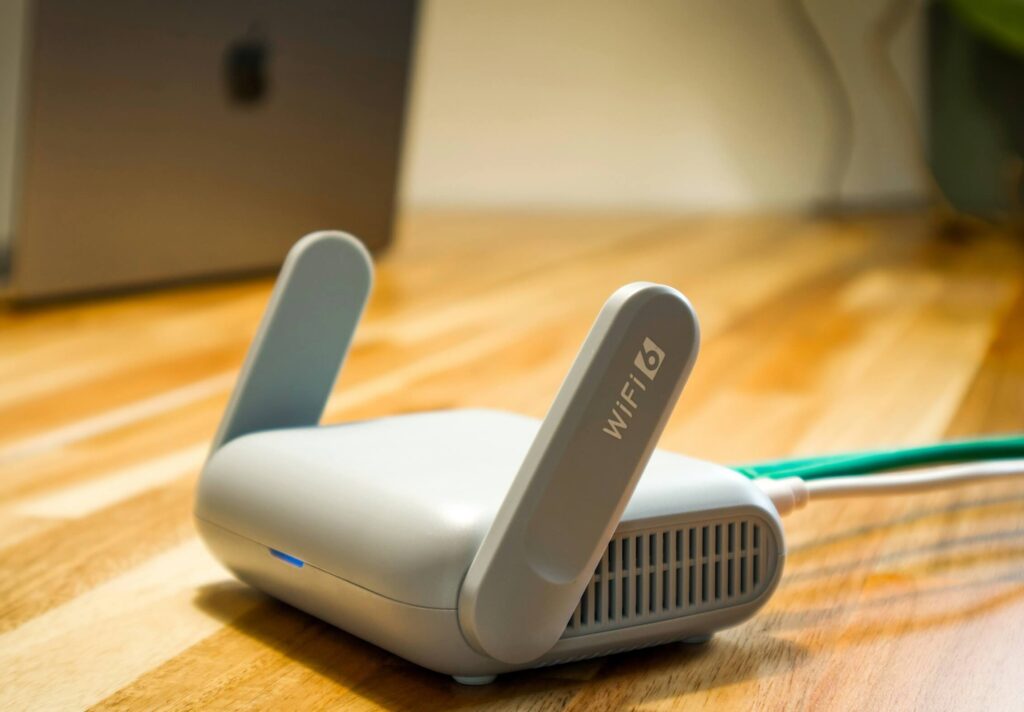
- ISP router hardware limits: Neither the Jio Gateway nor the Airtel Xstream Box has meaningful QoS (Quality of Service — a feature that lets the router prioritise video call traffic over background file sync). On a dual-WFH household, this matters. A third-party router with QoS costs ₹3,000–3,500 and fixes this completely.
Best Wi-Fi Routers India Under ₹5,000
- ONT power continuity: Both services use an ONT (Optical Network Terminal — the small white box that converts the fibre signal to ethernet). A brief power cut kills your connection regardless of ISP. A 600VA UPS at ₹1,500–2,000 keeps your ONT and router running through 15–30 minute power cuts. This is the most cost-effective WFH investment in this article.
Recommended UPS options:
Zebronics 600VA UPS — Amazon India
2. Why Your Wi-Fi Struggles in an Indian Apartment
Indian residential construction uses reinforced concrete (RCC) for walls, floors, and ceilings — among the worst possible materials for Wi-Fi signal. The table below shows approximate signal attenuation based on IEEE and NIST published measurements.
| Obstacle | Loss @ 2.4 GHz | Loss @ 5 GHz | Practical impact |
| Thick concrete / RCC slab (Indian apartment) | 12–20 dB | 20–30 dB | Severe — 5 GHz largely unusable through 2+ walls |
| Brick wall (single skin) | 6–9 dB | 10–15 dB | Moderate — noticeable drop per wall |
| Glass (untinted) | 2–3 dB | 3–5 dB | Low — large windows actually help |
| Drywall / gypsum | 2–4 dB | 3–6 dB | Low — rare in Indian homes |
| Wooden door / furniture | 2–5 dB | 3–7 dB | Low — minor impact |
| Metal doors / grilles / frames | 25–35 dB | 30–40 dB | Very high — can block signal completely |
Source: IEEE 802.11 propagation measurements; NIST technical notes on building material attenuation.
| At 5 GHz, signal attenuation through materials is consistently 30–50% higher than at 2.4 GHz. In a standard Indian 3BHK, a single router placed in the living room will struggle to deliver usable 5 GHz signal in the far bedroom through two RCC walls. No ISP upgrade changes this. |
Before comparing Jio and Airtel directly, answer the following three questions. They determine whether changing ISP will actually solve your WFH problem.
3. Three Questions to Answer Before You Decide Anything
Q1 — Is the service available in your building — not just your area?
Both ISPs have buildings where fibre reaches the gate but is not yet run to individual flats. Ask a neighbour who already has the service whether it is installed and working in your specific block before applying. Coverage maps are optimistic. Neighbour confirmation is reliable.
Q2 — What does your household actually need during peak WFH hours?
Upload speed — how fast data leaves your device — determines call quality. Most people check download speed. Upload is what matters for video calls. The table below maps WFH household profiles to actual bandwidth requirements.
| Household WFH profile | Min. download | Min. upload | Recommended plan |
| Solo WFH — 1 video call + browsing | 4–6 Mbps | 3–5 Mbps | ₹699 Jio / ₹799 Airtel is more than enough |
| Solo WFH + corporate VPN | 10–15 Mbps | 8–12 Mbps | VPN overhead: add 20–30% headroom. 100 Mbps plan minimum. |
| Dual WFH — 2 simultaneous HD calls | 10–15 Mbps | 8–10 Mbps | 100 Mbps plan adequate; verify upload on your plan |
| Dual WFH + cloud sync (OneDrive / Drive) | 20–30 Mbps | 15–20 Mbps | 100 Mbps plan required; 3rd-party QoS router essential |
| Dual WFH + streaming on Smart TV | 35–50 Mbps | 15–20 Mbps | 200 Mbps plan recommended; QoS router required |
| Dual WFH + 4K streaming + CCTV upload | 60–80 Mbps | 25–35 Mbps | 200–300 Mbps plan; 3rd-party router non-negotiable |
Q3 — Does your building have stable power supply?
A brief power cut kills your connection regardless of ISP. A 600VA UPS at ₹1,500–2,000 is the most practical WFH investment for any plan tier.
4. What Actually Causes WFH Call Problems
Upload speed is the silent WFH killer
Zoom HD video call: 1.8 Mbps upload. Microsoft Teams HD: 1.5 Mbps upload. Google Meet HD: 3.2 Mbps upload. Two people on simultaneous HD calls: 6–8 Mbps upload minimum — before cloud sync, VPN, or camera uploads. On a 100 Mbps plan, the upload headroom feels comfortable on paper. Under real dual-WFH load, with background OneDrive sync and a corporate VPN, it fills up faster than most households expect.
| 📍 From the field: We notice this on our own connections — even on plans advertised as symmetric, uploads feel less consistent than downloads during peak hours. The reason is structural: GPON (the shared fibre technology used by most Indian FTTH networks) sends data to you as a continuous stream, but your upload travels in short time-sliced bursts shared with your neighbours. That makes the upstream path inherently more sensitive to congestion. For streaming or browsing you will never feel this. For simultaneous video calls and cloud sync, you will — and switching ISPs does not change it, because both Jio and Airtel use the same underlying technology. |
Latency consistency matters more than peak speed
A steady 35ms latency makes a call feel natural. A connection swinging between 10ms and 90ms produces frozen frames and audio cutouts that make meetings exhausting — even if the average speed looks fine. The 6–10 PM window is when this matters most.
| 📍 From the field: The 8–10 PM slowdown is something anyone in a large apartment building knows intuitively — calls that were fine all afternoon start stuttering the moment the building comes home from work. What is actually happening: your building shares a fixed upstream capacity with all your neighbours on the same fibre port. When 30 households start streaming 4K and 10 more jump on video calls simultaneously, that shared capacity fills up — and your individual plan speed becomes irrelevant. The only practical consumer-side responses are scheduling heavy backups for off-peak hours, or moving to a higher plan tier which may sit on a less-congested port. |
The ISP-provided router has no QoS — and this is a real problem
Without QoS, a 100 Mbps plan shared between two video calls and a background OneDrive sync treats all three as equally important. The file sync competes directly with your call for upload bandwidth.
| Traffic type (100 Mbps plan) | Bandwidth | Priority | WFH call impact |
| WITHOUT QoS — ISP-provided router | |||
| Person A — Zoom HD call | 3–5 Mbps | Equal | Stutters when upload is contested |
| Person B — Teams HD call | 3–5 Mbps | Equal | Stutters when upload is contested |
| Background — OneDrive / SharePoint sync | 5–15 Mbps | Equal | Competes directly with calls |
| Smart TV — Netflix HD | 5–7 Mbps | Equal | Competes directly with calls |
| WITH QoS — 3rd-party router (AX10 / RX2 Pro) | |||
| Person A — Zoom HD call | 3–5 Mbps | Priority 1 | Stable — router reserves upload first |
| Person B — Teams HD call | 3–5 Mbps | Priority 1 | Stable — router reserves upload first |
| Background — OneDrive / SharePoint sync | 5–15 Mbps | Priority 3 | Throttled during calls; resumes when calls end |
| Smart TV — Netflix HD | 5–7 Mbps | Priority 2 | Yields to call traffic if needed |
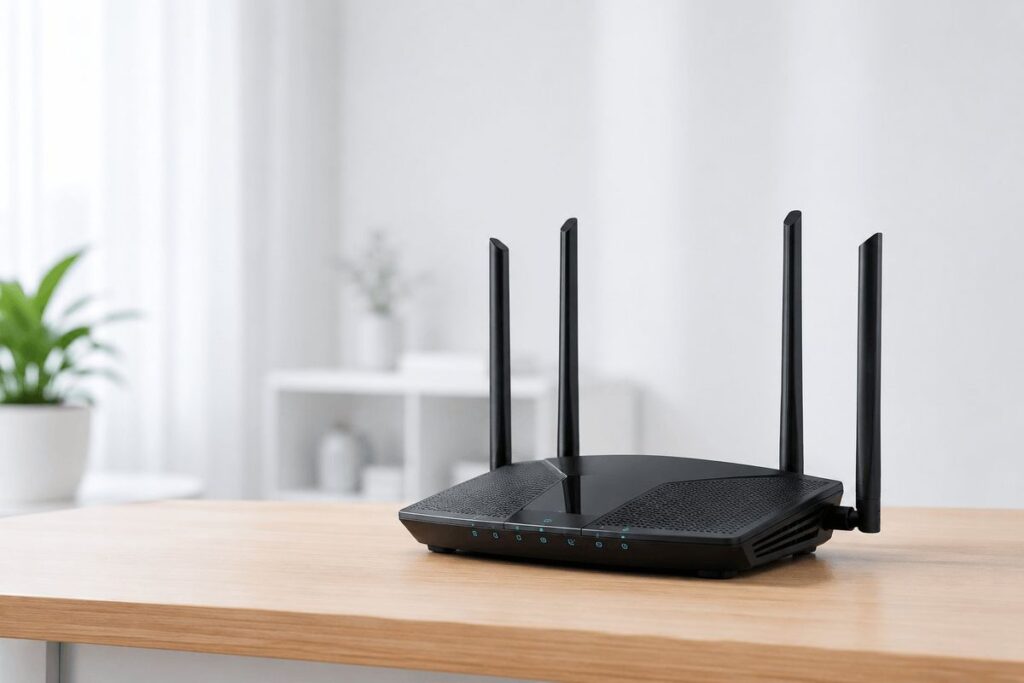
A third-party router with QoS — such as the TP-Link Archer AX10 or Tenda RX2 Pro — adds this capability for ₹3,000–3,500. Setting your two work laptops as priority devices takes under five minutes.
TP-Link Archer AX10 — Amazon India
For a step-by-step QoS setup guide, see: How to Set Up QoS on Your Home Router for WFH [publishing 10 July 2026 — netdaemons.com]
VPN overhead most households do not account for
If either partner connects to a corporate VPN, the encryption overhead typically reduces usable throughput by 10–30% depending on VPN protocol and server location — more for older corporate VPN configurations routing traffic through overseas servers. A 100 Mbps plan with two VPN users and simultaneous calls is closer to the practical limit than most households realise.
Ask your company IT team whether split tunnelling is enabled — this routes only corporate traffic through the VPN tunnel while other internet traffic goes direct, significantly reducing overhead on your broadband connection.
5. Jio Fiber — Plans from ₹399/month (+GST)
WFH-viable entry plan: ₹699 for 100 Mbps advertised speed. Upload/symmetry should be verified on the current Jio plan page using the reader’s PIN code before signing up. Plans from ₹999 include 17+ OTT apps. Prices vary by city — always verify at jio.com using your PIN code.
What works
- Best price per Mbps in the Indian broadband market. The 100 Mbps plan at ₹699 has no direct Airtel equivalent at the same price.
- Wider geographic reach — the more relevant choice in Tier 2 cities and newer residential developments where Airtel has not yet expanded.
- JioCinema OTT streaming performs cleanly on Jio Fiber — the content and the network backbone are the same company, so routing is direct.
Where it falls short
- Opensignal’s 2025 wireline data shows Jio averaging 31.1 Mbps download and 25.1 Mbps upload in real-world tests — below Airtel’s 42.4 Mbps and 31.6 Mbps respectively. These are average figures across all plan tiers and locations; your experience on a 100 Mbps plan in a well-served building will differ.
- The Jio Gateway router has no meaningful QoS and unreliable band steering. Dual-WFH households will quickly hit its limits regardless of plan speed.
| NetDaemons take: On a 100 Mbps plan with confirmed symmetric upload, Jio Fiber handles a dual-WFH household in raw bandwidth terms. Add a third-party QoS router and a UPS. If you are in a Tier 2 city or a newer area where Airtel is not yet available, Jio Fiber is the correct choice without further deliberation. |
6. Airtel Xstream Fiber — Plans from ₹499/month (+GST)
Current entry-level Airtel broadband pricing varies by geography. Treat the ₹799 100 Mbps plan as the safer WFH baseline; verify any lower 40 Mbps entertainment bundle against the reader’s PIN code before comparing OTT value. Upload speed not explicitly stated on the ₹799 plan page at time of writing — verify symmetric upload with Airtel customer care before signing. Prices vary by city.
What works
- Peak-hour latency consistency: Opensignal data confirms Airtel leads Jio in four of five wireline experience categories. For video calls specifically, this consistency matters more than headline download speed.
- Airtel entertainment bundles can include TV/OTT hardware or services depending on the plan and city, which can change the value calculation for households without a Smart TV.
- OTT value on mid-tier plans can narrow the price gap if the included services replace subscriptions you already pay for separately. Verify the current OTT bundle before deciding.
Where it falls short
- A 40 Mbps entry plan is not sufficient for a dual-WFH household. Treat 100 Mbps as the safer baseline; Airtel’s current 100 Mbps fibre plan is commonly listed at ₹799 before GST.
- The Xstream Box does not solve the QoS problem. The same third-party router recommendation applies.
- Coverage outside Tier 1 metros is thinner than Jio Fiber. Availability at the building level is the first check — not plan pricing.
| NetDaemons take: For dual-WFH households in Tier 1 metros where peak-hour call consistency is the priority, Airtel edges ahead on independent performance data. The ₹100/month premium is the only meaningful trade-off. If you are outside a Tier 1 metro, or in an area where Airtel’s coverage is partial, the comparison shifts toward Jio. |
7. How Local ISPs Compare
| Geography | Jio Fiber | Airtel Xstream | ACT Fibernet | BSNL FTTH | Local ISPs |
| Tier 1 metros | Wide | Wide | Select areas | Limited | Select areas |
| Tier 2 cities | Good | Partial | Not available | Good | Partial |
| Tier 3 / rural | Expanding | Limited | Not available | Widest reach | Rare |
| WFH suitability | ★★★★☆ | ★★★★☆ | ★★★★★ | ★★★☆☆ | ★★★☆☆ |
Availability check first, always. City-level availability does not mean building-level availability. Verify with the ISP using your PIN code, then confirm with a neighbour.
ACT Fibernet
Available in select high-density cities including Bengaluru, Hyderabad, Chennai, and Delhi. Independent speed data generally places ACT ahead where its fibre footprint is dense, but plans and prepayment terms vary. Verify building availability and the per-month equivalent on actcorp.in before signing.
| NetDaemons take: Where ACT is available in your building, it deserves a serious look alongside Jio and Airtel — particularly in Bengaluru and Hyderabad where its fibre density is highest. |
BSNL FTTH
Widest geographic footprint and most relevant in many Tier 2/3 cities where private FTTH coverage is patchy. Quality varies by circle, so verify current local user experience before committing.
| NetDaemons take: In cities where BSNL’s FTTH infrastructure is modern, the price-to-speed ratio is strong. The key qualifier: verify local user experience in your specific area, not just whether BSNL is nominally available. |
Local cable ISPs (Hathway, DEN, local operators)
In Mumbai, Pune, and parts of Delhi, some cable operators have upgraded to DOCSIS 3.0 (cable broadband technology) or fibre. Only consider them with a direct neighbour reference from your building.
8. Team NetDaemons Verdict
The following reflects the independent assessment of the NetDaemons team, based on verified performance data, published plan information, and field experience. Your actual experience depends on your specific building, floor, and local infrastructure.
- Fix first: Router placement and a ₹1,500 UPS solve most WFH call problems before you spend anything on a plan upgrade.
- Best value — dual-WFH households: Jio Fiber ₹699 — strongest price per Mbps and wide reach; verify upload/symmetry for your PIN code. Add a third-party QoS router.
- Best peak-hour consistency — Tier 1 metros: Airtel Xstream ₹799 — marginally better latency and upload consistency per Opensignal data, bundled OTT value, Xstream Box adds Smart TV capability.
- Best overall speed where available: ACT Fibernet — leads all operators in Q1 2026 independent speed testing. Verify building availability and plan commitment term first.
- Best in Tier 2/3 cities: BSNL FTTH where local infrastructure is modern — verify current user experience in your specific area before committing.
- Cannot decide? Sign up with whichever ISP a neighbour in your specific building and floor is already using without complaint. Building-level infrastructure matters more than national brand comparisons.
For gaming households: see our dedicated gaming router guide — Best Gaming Routers Under ₹8,000 India 2026 [coming July 2026].
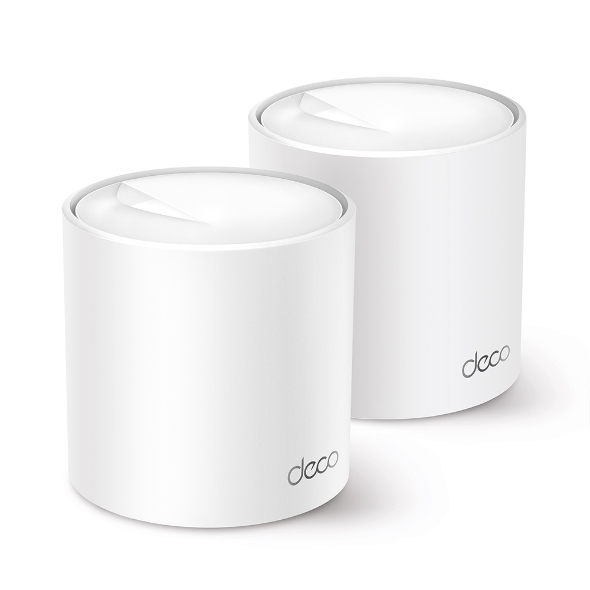
For multi-floor homes: no single router under ₹5,000 covers a two-floor RCC home reliably. See our mesh Wi-Fi guide — Best Mesh Wi-Fi Systems India Under ₹15,000 [coming July 2026].
| Before switching, run one speed test near the router and one at your WFH desk during 8–10 PM, then drop both results in the comments with your ISP, plan, router model, and city — we read and respond to every one. |
Related Articles
- Best Wi-Fi Routers India Under ₹5,000 (2026)
- Best Mesh Wi-Fi Systems India Under ₹15,000 (2026) [coming soon]
- Best Gigabit Routers Under ₹8,000 India 2026 [coming soon]
- How to Fix Wi-Fi Dead Zones in Indian Apartments [coming Aug 2026]
netdaemons.com · Home & SMB Series · May 2026 · See full disclaimer above. All plan prices and availability subject to change — verify directly with ISPs before signing up. This article contains affiliate links.